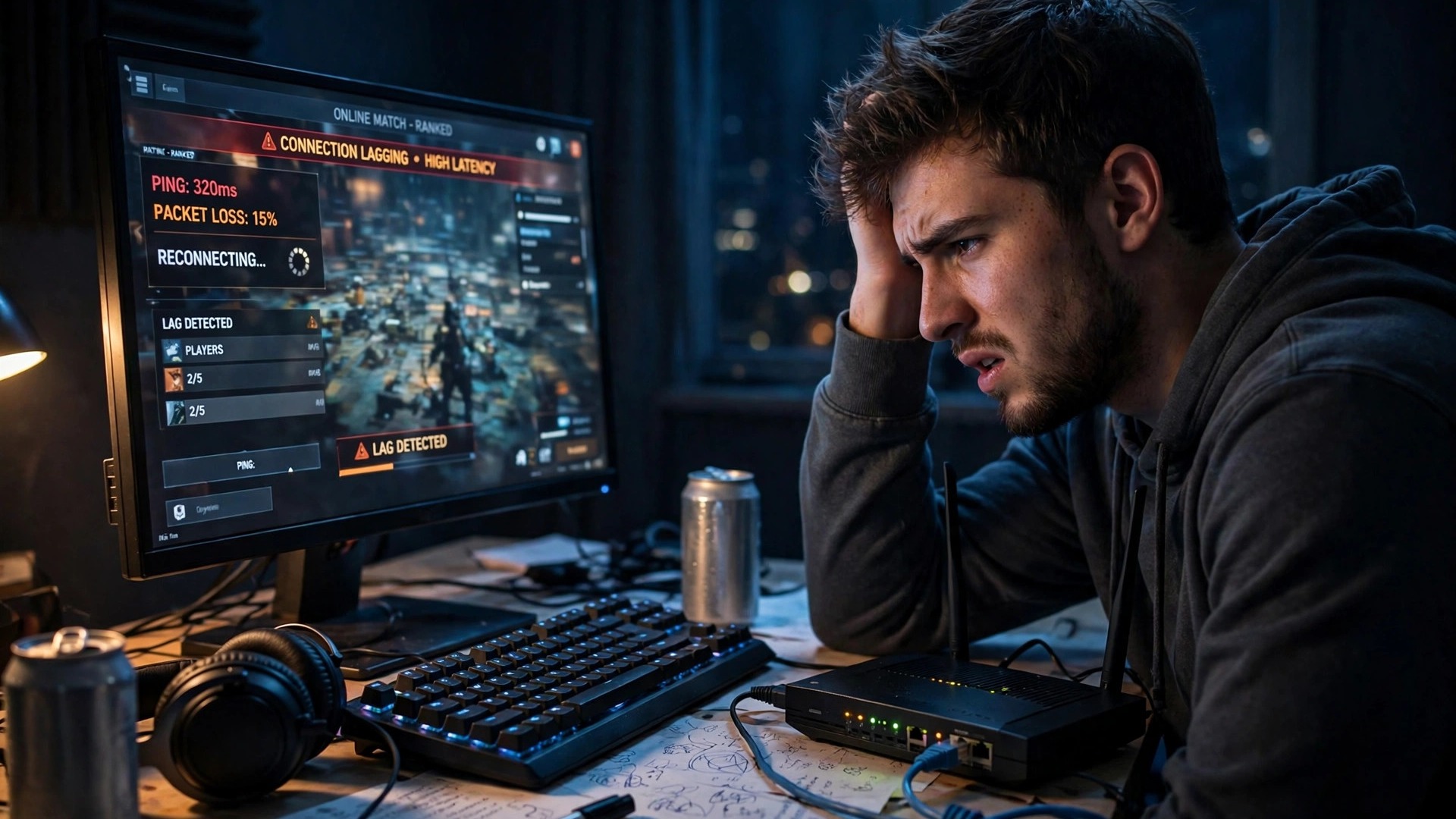
Short answer: Plug your PC or console into your router with an Ethernet cable, pick the closest game server, and stop every download, stream and update on your network. Those three steps fix high ping for most players — if your ping is still high, work through the fixes below.
High ping is the most frustrating problem in online gaming because it looks like the game is broken when it is not. Your shots land late, enemies teleport, and you die behind cover you already reached. The cause is almost never your graphics card — it is the time your data takes to reach the game server and back.
What is ping, and what counts as good?
Ping, also called latency, is the round-trip time for a packet of data to travel from your device to the game server and back, measured in milliseconds (ms). Lower is always better: the lower your ping, the sooner the server sees what you do, and that is a real advantage in a close fight.
| Ping | Quality | What it feels like |
|---|---|---|
| Under 20 ms | Excellent | The range competitive players aim for |
| 20–50 ms | Very good | Smooth for every genre, including fast shooters |
| 50–100 ms | Playable | Fine for most games, though you will feel the delay in shooters |
| 100–150 ms | Noticeable lag | Still workable in slower games such as strategy titles or MMOs |
| Over 150 ms | Poor | Frequent lag in most games and a clear sign of a connection problem |
Two related numbers matter too. Jitter is how much your ping jumps around — a steady 60 ms plays better than a ping swinging between 20 and 150 ms. Packet loss is data that never arrives at all, and even 1–2% loss causes rubber-banding. Most games show ping in the scoreboard or settings.
Step 1: plug in an Ethernet cable
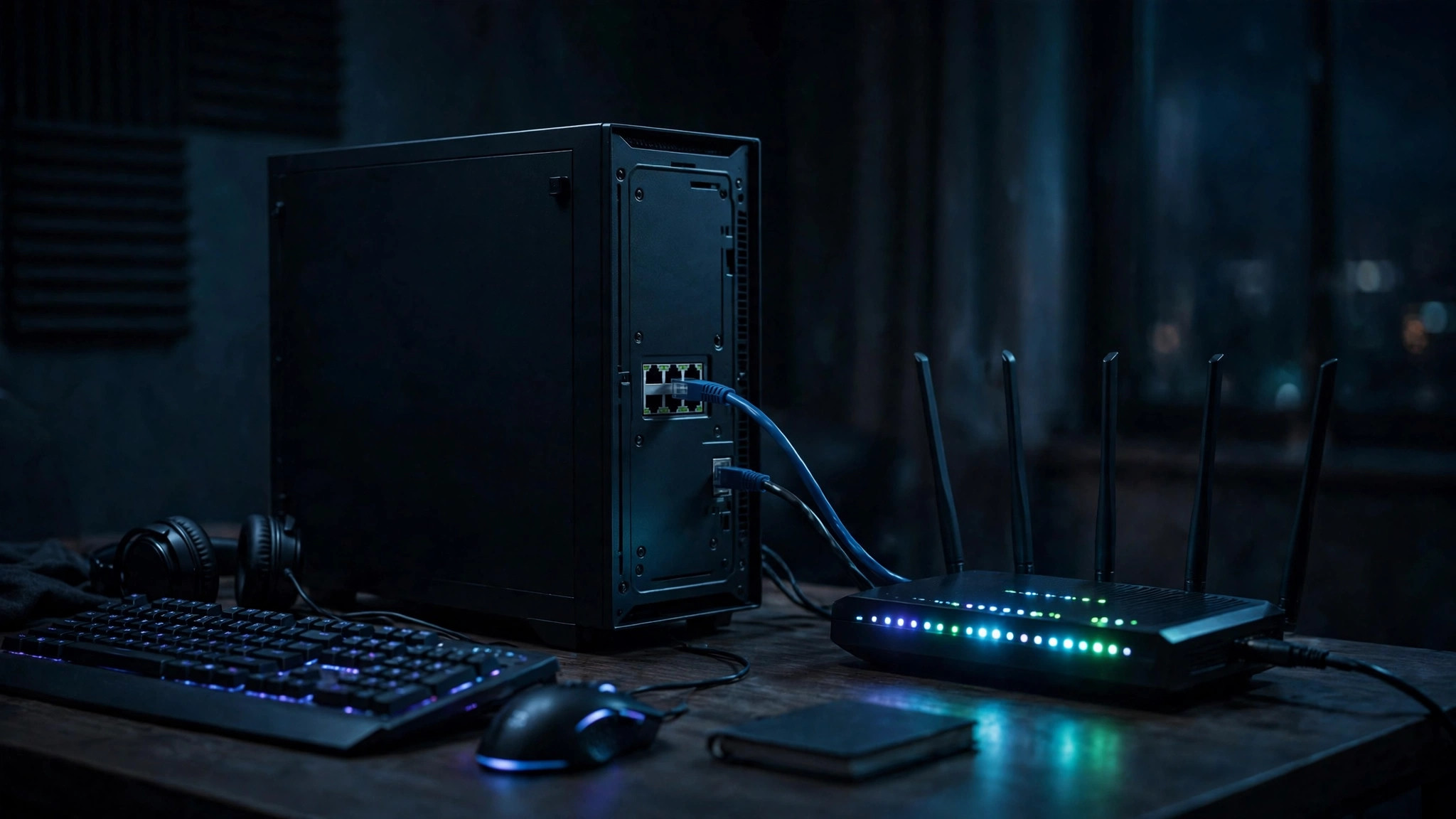
If you play over Wi-Fi, an Ethernet cable is the single most effective change you can make, and it is free if you already own a cable. A wired connection is faster and more stable because it is not affected by walls, distance from the router, or other wireless devices. Wi-Fi adds contention and retransmissions; a cable removes them. Any Cat5e or Cat6 cable is enough, and a powerline adapter is the next best option if the router is too far away.
If a cable is impossible, sit close to the router, use the 5 GHz or 6 GHz band, and prefer Wi-Fi 6 or 6E hardware. Keep the router central and raised, away from microwaves and cordless phones.
Step 2: pick the closest game server
Distance is the one cause of high ping you cannot fix with settings — every extra thousand kilometres adds delay. Always connect to the closest server region in the game's settings, and check which region auto-select chose, because it does not always pick the nearest one. If your ping is high in every game and on every server, the problem is on your side; if it is high on one region only, switch regions.
Step 3: stop downloads, streams and updates
A single download can wreck a whole match. Before you play, pause game updates in Steam, Epic and other launchers, pause cloud syncing, and stop 4K streams on other devices. Windows Update downloading in the background is a classic culprit — check Settings, then Windows Update, before you queue. The same applies to others in your home: a big download mid-game spikes your ping, and the router settings in Step 5 are the permanent fix.
Step 4: restart your router and your device
Routers build up errors over days of use, and a restart clears them. Turn the router off, wait 30 seconds, turn it back on, and restart your PC or console too. If your ping was fine yesterday and terrible today, try this first.
Step 5: turn on QoS or Smart Queue Management
If your ping spikes every time something downloads, your router needs to prioritise gaming traffic. Look in its settings for Quality of Service (QoS) or Smart Queue Management (SQM), sometimes called anti-bufferbloat, and turn it on. QoS tells the router to send your game packets first and let downloads wait their turn. Run a speed test first, then set QoS bandwidth to about 90% of what you actually get. If your router has no QoS option at all, a modern router is a genuine upgrade.
Step 6: close background apps
Everything running next to your game competes for the same connection. Close your browser — twenty tabs can use real bandwidth on their own — and quit cloud storage sync and any launcher updating another game. On Windows, open Task Manager with Ctrl + Shift + Esc, sort the Network column, and look for anything besides your game using the connection. Also check background recording: Windows Game Bar can record in the background — see our guide to optimising Windows 11 for gaming.
Step 7: update drivers and firmware
Outdated network drivers and router firmware cause the intermittent lag that is hardest to diagnose. Update your network adapter driver from your motherboard or laptop maker's site, and check your router maker's site for firmware. Update your graphics drivers too: a driver problem can look like network lag, and our guide to fixing lag and stutter in PC games covers the graphics side.
Step 8: when the problem is your ISP
If you have tried everything above and your ping is still high, the problem may be your provider or your plan. Test at different times of day: if ping is fine at noon and terrible at 8pm, your area's network is congested at peak hours. Fibre and cable deliver low ping; older DSL and satellite run much higher — geostationary satellite can exceed 600 ms.
A VPN usually adds latency, because your data takes a longer route. It only helps if your ISP is throttling gaming traffic or routing you badly — test with and without it, and keep it only if the numbers improve. If nothing helps, call your ISP, quote your ping and packet loss numbers, and ask about congestion or a fault on your line.
Ping vs FPS: do not confuse them
High ping and low FPS feel similar, but they are different problems: low FPS is your hardware struggling to draw the game, high ping is your network struggling to reach the server. If your frame rate is healthy but players teleport, it is ping; if your ping is healthy but the game stutters, it is FPS. Fix the right one.
Frequently asked questions
What is a good ping for gaming? Under 50 ms is good for almost every game, and under 20 ms is excellent. Up to 100 ms is playable; over 150 ms is a problem.
Does Ethernet really lower ping? Yes. A wired connection removes Wi-Fi interference, retransmissions and signal loss, and it is the single most effective free change most gamers can make.
Why is my ping high when my internet is fast? Speed and ping are different things. A fast download does not mean low latency — distance, Wi-Fi, congestion and ISP routing matter more than raw speed.