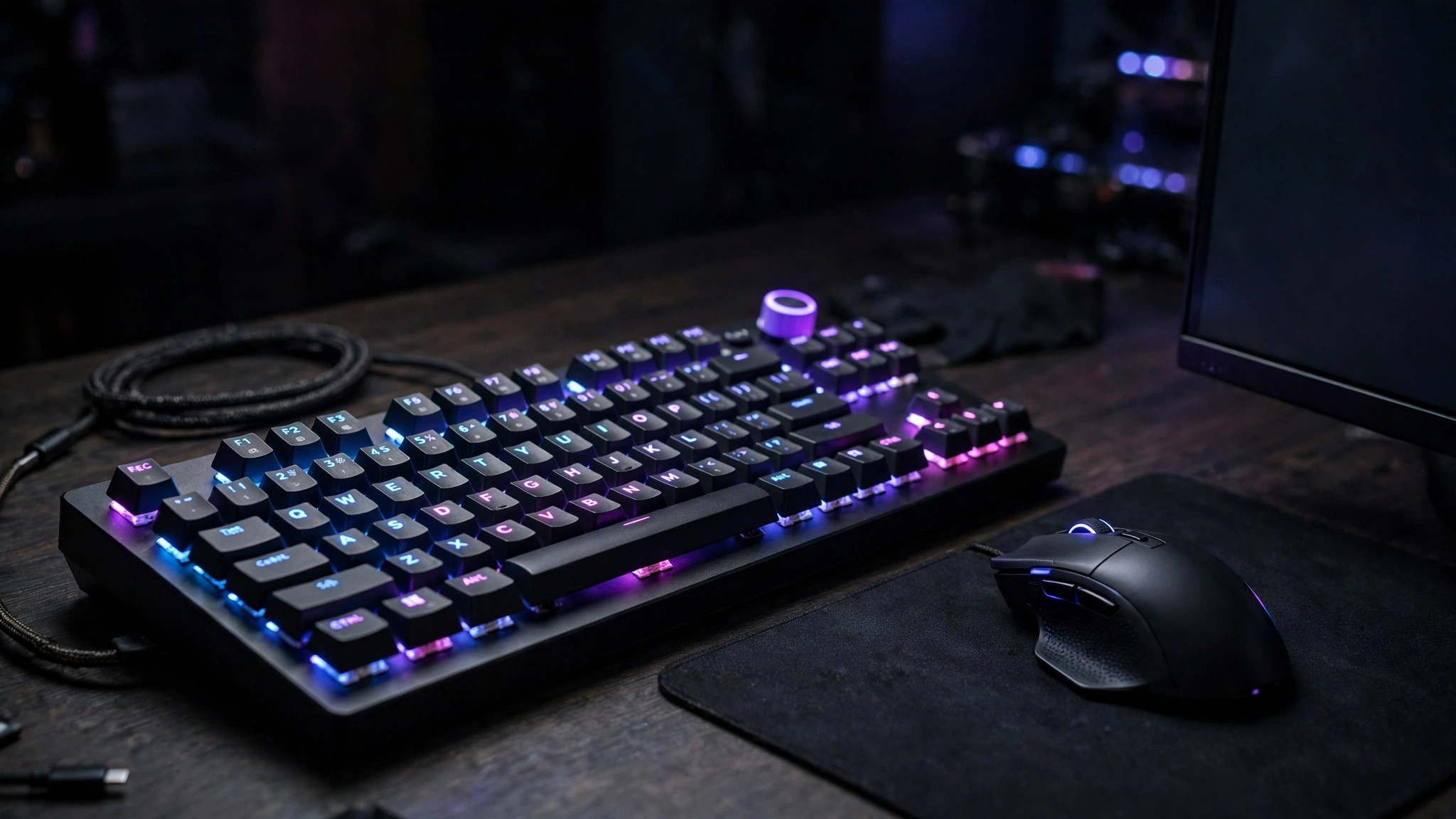
A gaming keyboard is one of the few PC parts you touch for every single session, yet it is often chosen on looks alone. A glowing keyboard that feels wrong, misses key presses, or crowds your mouse hand will annoy you far longer than a plainer board that fits your hands and games. Choosing well does not require spending a fortune, just understanding a handful of decisions: switch type, layout, size, polling rate, and build quality.
Mechanical, Membrane, and Everything in Between
Most gaming keyboards fall into two broad families. Membrane keyboards use a rubber dome under each key, which is pushed down to complete a circuit. They are usually cheap, quiet, and fine for casual play, but the feel tends to be soft and mushy, and the domes wear unevenly over time.
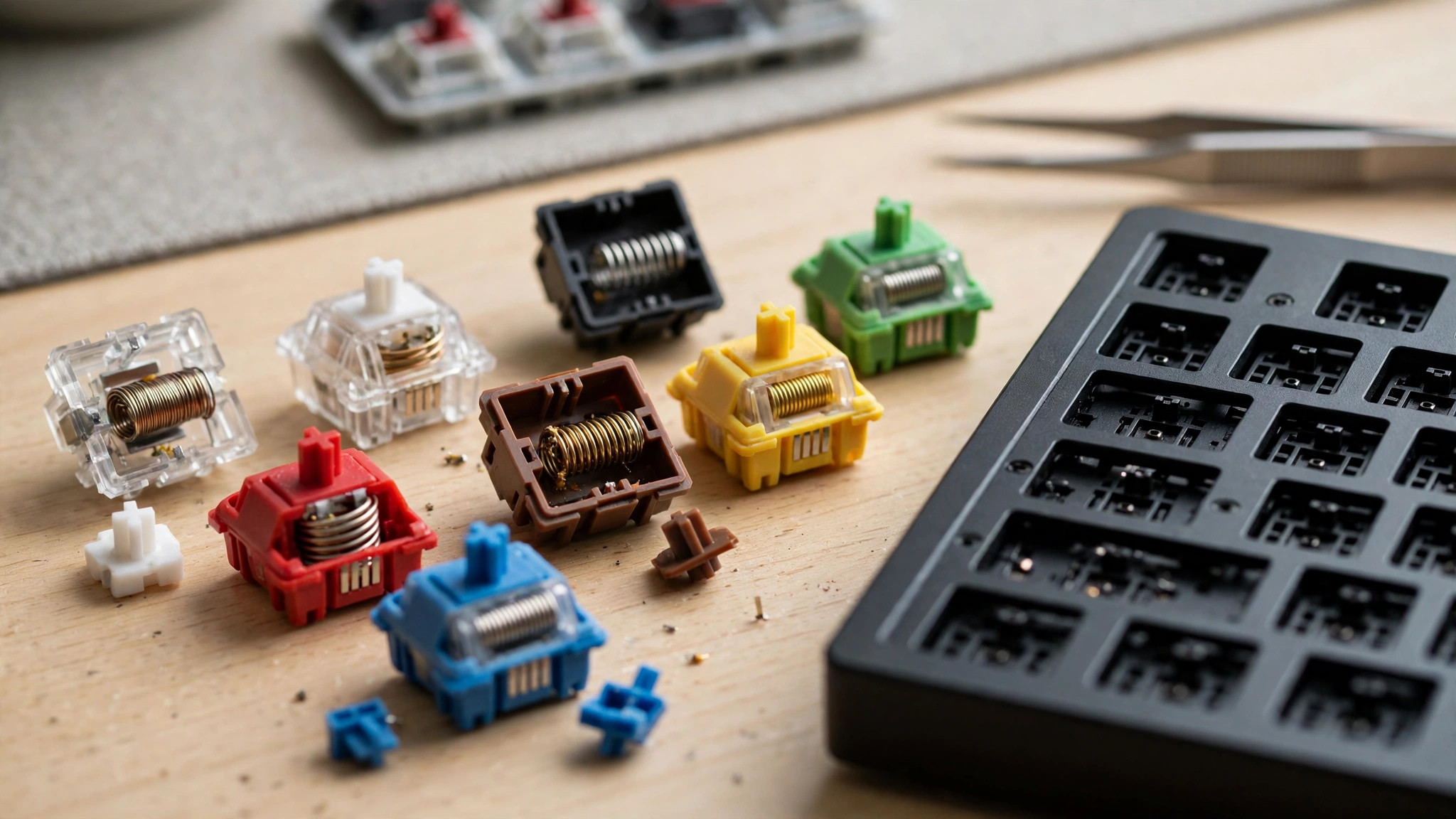
Mechanical keyboards use an individual switch under each key, each with its own spring and stem. That gives a more consistent, precise feel and lets manufacturers offer different feels for different tastes. Mechanical boards usually cost more, but switches last longer and on many models can be replaced if one fails.
Switch Types: Linear, Tactile, and Clicky
Switch feel is the biggest difference between mechanical keyboards, and the most personal. There is no objectively best switch, only the one that suits your hands, your games, and your tolerance for noise. Linear switches travel smoothly with no bump and no click: quiet, fast, and popular for competitive shooters, because double-tapping feels effortless, although it can be harder to tell by feel whether a key has registered.
Tactile switches add a small bump partway through the press, so you can feel the exact moment the key activates. Many players find this the best all-round choice for both gaming and typing, without much extra noise. Clicky switches add a bump plus a loud click: satisfying to type on, but the loudest option by a wide margin, which matters if you share a room or stream with an open microphone.
| Switch type | Feel | Sound | Best for |
|---|---|---|---|
| Linear | Smooth, no bump | Quiet | Fast-paced, competitive games |
| Tactile | Small bump | Moderate | Mixed gaming and typing |
| Clicky | Bump plus click | Loud | Typing, solo rooms |
Switch names vary by brand: Cherry MX Red is linear, Brown is tactile, and Blue is clicky, but colours are not fully standardised, so check the description. If you can, try switches first: a cheap tester kit will tell you more in ten minutes than hours of reviews.
Layout and Size: Full-Size, TKL, 75%, and 60%
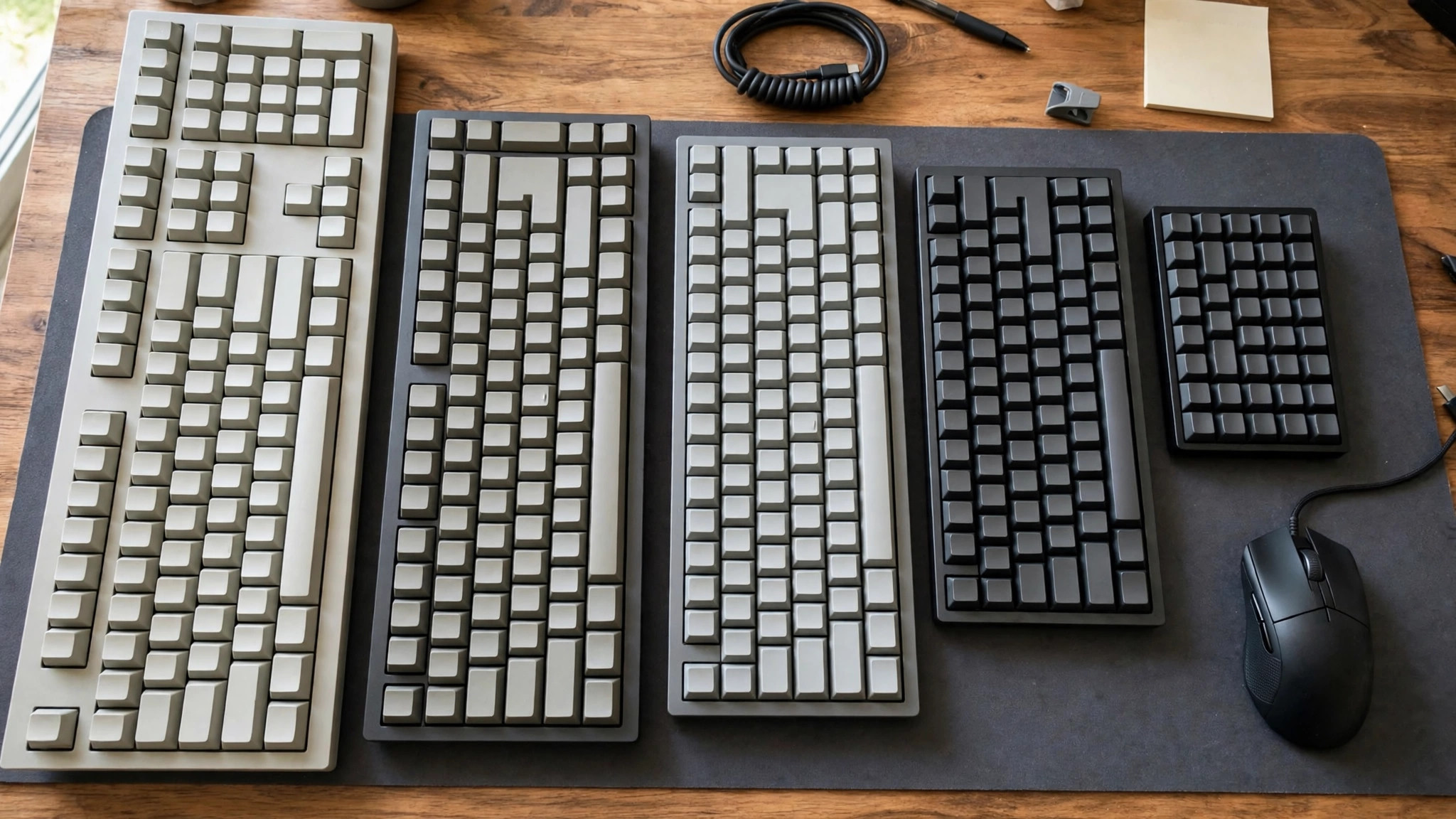
Size affects desk space, mouse room, and comfort more than most buyers expect. A full-size keyboard includes a number pad, arrow keys, and a function row, useful for simulation and strategy games with many hotkeys, or if you regularly enter numbers. The downside is width: it pushes your mouse further right, which can strain your shoulder in long sessions.
Tenkeyless, or TKL, drops the number pad but keeps the function row, arrow keys, and navigation keys. It is a popular compromise, freeing mouse space while keeping almost every key a game needs. A 75% board squeezes most keys closer together, while a 60% board drops the function row, arrow keys, and navigation cluster, reaching them through a function layer instead. Compact boards give your mouse the most room, but take adjustment. Buy the layout you are used to, and measure your desk, including free mouse space, before choosing.
Polling Rate, Key Rollover, and Anti-Ghosting
Polling rate is how often your keyboard reports its state to your PC, measured in hertz (Hz). A standard board polls at 1,000 Hz, or every millisecond. Some gaming boards advertise 4,000 Hz or 8,000 Hz, but the real-world benefit is small for most players: the difference is less than a millisecond, far smaller than display refresh and network latency in online games, and very high rates can slightly increase CPU usage.
Key rollover and anti-ghosting matter more in practice. Rollover is how many keys can be pressed at once and still register correctly, and full N-key rollover means every key registers, however many you hold down. Anti-ghosting means the board will not register keys you did not press when several are held at once. Both matter when you hold movement keys, sprint, crouch, and trigger abilities simultaneously, so check them on very cheap boards, where limited rollover can cause missed inputs at the worst moments.
Build Quality and Keycaps
Build quality decides whether a board still feels solid after a year of daily use. Look for one that does not flex noticeably when pressed firmly in the middle, and keys that do not wobble excessively. Metal top plates generally feel sturdier than all-plastic bodies, but a well-built plastic board can still be excellent, so rigidity matters more than the material label.
Keycaps also affect feel and durability. ABS caps are smooth and common, but can turn shiny with heavy use; PBT caps are more textured and resistant to shine. Check whether the board is hot-swappable, meaning switches can be replaced without soldering. For lighting, per-key RGB can highlight important keys, but check brightness can be dimmed, because an undimmable board is irritating in a dark room.
Features Worth Paying For, and Features to Skip
Some extras genuinely help: a detachable USB-C cable, which is easy to move and replace; adjustable feet and a comfortable typing angle, which reduce wrist strain; and dedicated media keys or a volume wheel, so you can adjust sound without leaving a game. A wrist rest helps for long sessions, but it does not need to be bundled with the board.
Be sceptical about extreme polling-rate claims, macro keys you will never program, which mostly sit unused and widen the board, and tiny built-in displays, which look impressive in photos but rarely change how you play. Wireless boards have improved greatly, and modern 2.4 GHz wireless is close to wired latency for most players, but wireless adds battery charging and usually costs more for the same quality. If you play competitively and want zero doubt, wired remains the simplest and most reliable choice.
How to Decide: A Simple Buying Checklist
- Switch feel: linear for speed, tactile for all-round use, clicky only if noise is not an issue
- Size: full-size for number-pad use, TKL for most gamers, compact only for maximum mouse room
- Check rollover and anti-ghosting, and match the layout you type on
- Look for solid build, PBT keycaps if available, and hot-swappable switches for flexibility
- Choose wired or wireless on desk space and budget, not headline polling rates
- Set a budget first, and compare boards inside it
Decent membrane boards start at budget prices, solid mechanical boards sit in the mid-range, and premium boards cost more again. Price does not guarantee a board you will love, but very cheap mechanical boards sometimes cut corners, causing rattly space bars and uneven keys. Give a new board a week before judging it, and keep the packaging until you are sure. The right keyboard is the one whose switches feel natural, whose size fits your desk, and whose keys you stop thinking about entirely.