Grand Theft Auto VI launches today, 19 November 2026, at midnight local time, and PlayStation 5 owners have one job to do before they press start: update the console. Sony has confirmed that a PS5 system software update is required before playing GTA VI, and it asked players to download it before midnight on 19 November so they are ready to play on launch day. Preloading the game does not cover this. The 212 GB download sitting on your hard drive is the game; the firmware is the console, and the game will not start without it.
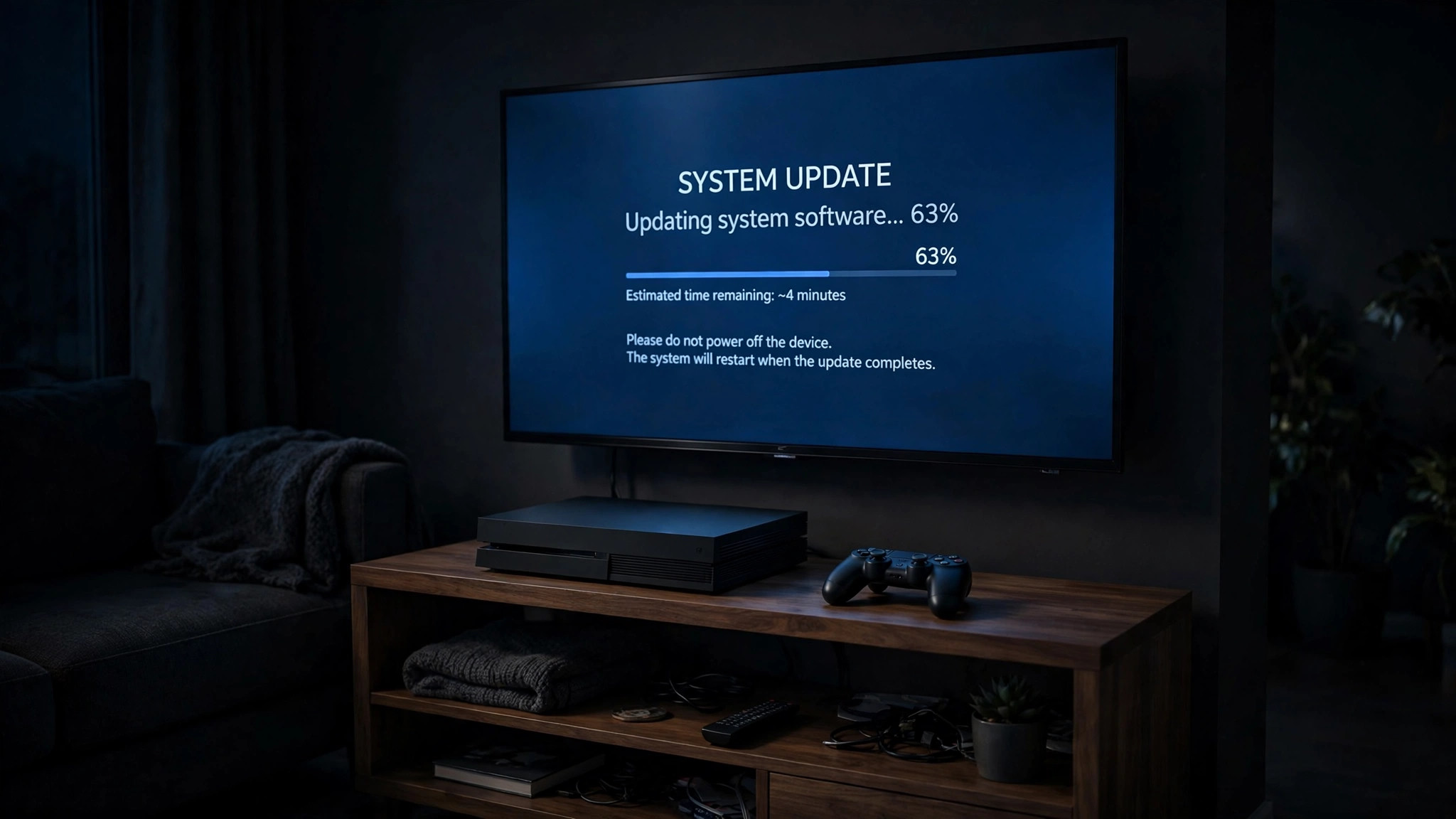
The direct answer: install PS5 system software version 26.07-14.23.00, a download of about 1.27 GB released on 17 November 2026, before you try to play GTA VI. Go to Settings, then System, then System Software, then System Software Update and Settings, and choose Update System Software. The whole process takes a few minutes on a decent connection, and you can check you are ready by confirming the version number reads 26.07-14.23.00. Do it now, not at midnight.
What is the GTA VI PS5 firmware update?
The update is version 26.07-14.23.00, usually shortened to firmware 14.23, and it began rolling out on Monday 17 November 2026, two days before launch. Sony's public patch notes say only that it includes some security fixes to the system software. Sony has not said what the security fixes are, or why GTA VI specifically needs them, and the update is not described anywhere as adding features. The size is reported at about 1.27 GB by TweakTown and about 1.3 GB by Push Square and Beebom, so expect a download in that range.
The requirement itself was confirmed late on 17 November Eastern time, when the PlayStation Support US account posted that Sony Interactive has issued a PS5 system software update that is required before playing Grand Theft Auto VI, and that players should download it prior to midnight on November 19 so they are ready to play on launch day. Rockstar Games reposted the message, which is as close to an official joint confirmation as this story gets. Push Square points out something worth knowing: Sony normally gives players a grace period before a new system update becomes mandatory for a game. GTA VI gets none. The update is also required to keep using the PS5's online features, so staying offline does not get around it.
Before 14.23, the current version was 26.07-14.22.00, released at the start of November, and PlayStation Store backend data tracked by the PlayStation Game Size account had listed 14.22 as the minimum firmware for GTA VI, up from 14.10 in early October. The 14.23 update moves that requirement forward, and it is the newest version listed on Sony's PS5 system software page.
How to install the PS5 update for GTA VI
If your console is online and automatic updates are switched on, the update may already be installed. Check first, and only go through the manual steps if it is not. The steps below follow PlayStation's official update guide.
- Check whether you already have it. Go to Settings, then System, then System Software, then Console Information. If the version reads 26.07-14.23.00 or newer, you are done. If it reads 14.22 or older, continue.
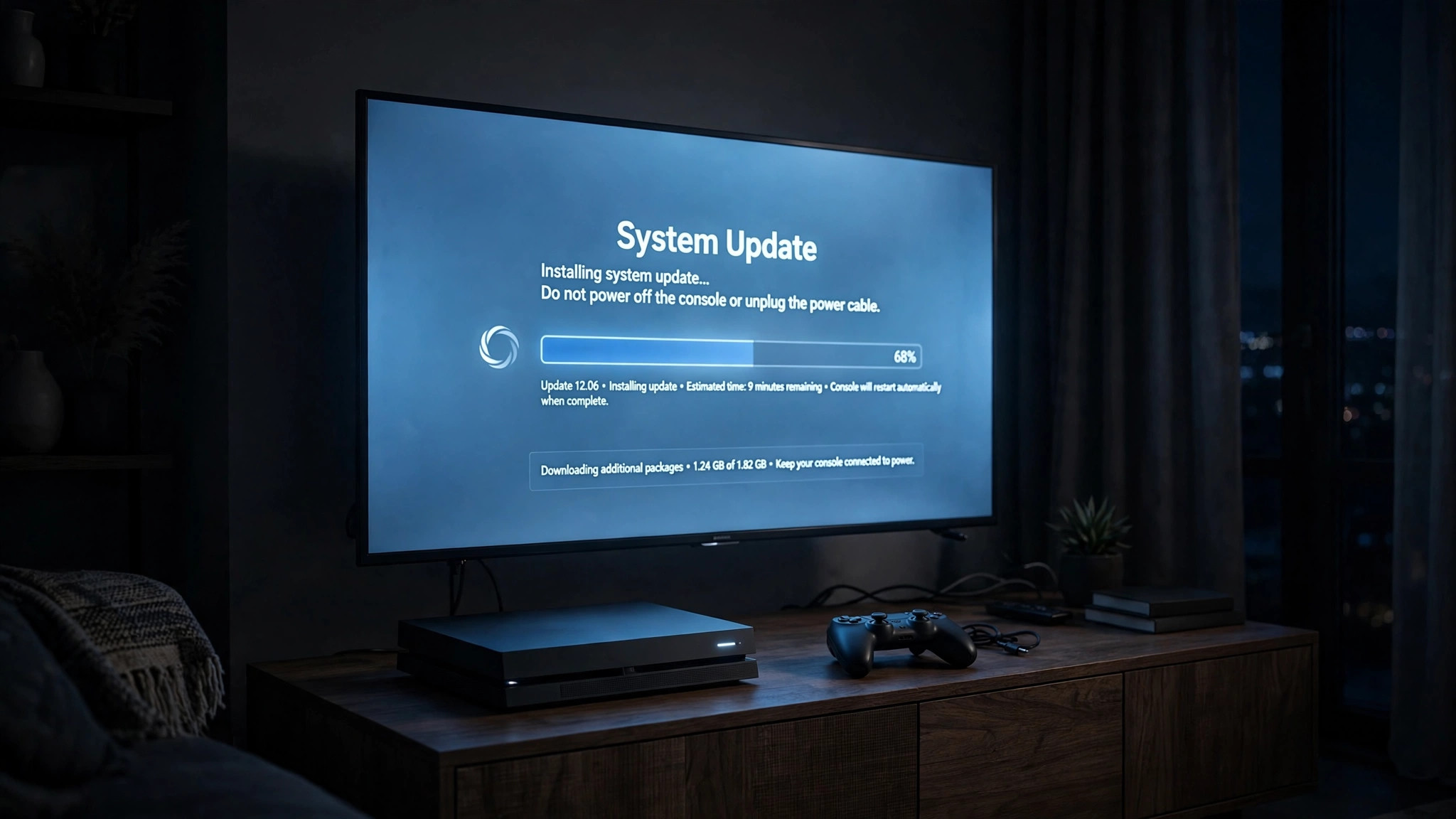
- Update from the settings menu. Go to Settings, then System, then System Software, then System Software Update and Settings, then choose Update System Software and then Update Using Internet. The console will download the update, which is about 1.27 GB, and then install it. Do not turn the console off during the installation: Sony's own notices warn that interrupting it can damage the console.
- Wait for the restart. The PS5 will restart itself as part of the installation. When it comes back, go to Console Information again and confirm the version reads 26.07-14.23.00.
- Then check the game itself. With the firmware installed, make sure GTA VI's own updates are installed too. The day-one game patch, update 01.002.001, arrived on 16 November 2026 at 602.5 MB on PS5, after an earlier update of about 1 GB on 13 November. Highlight the game on the home screen, press Options, and choose Check for Update.
How to update your PS5 with a USB drive
If the internet download fails or your connection is slow, the USB method is the reliable fallback, and it uses the same file Sony publishes on its support site.
- Prepare a USB drive. Use a drive formatted as FAT32, with at least 2 GB of free space.
- Download the update file. On a computer, download the PS5 system software update file from PlayStation's official support site. The file is named PS5UPDATE.PUP.
- Put it in the right folders. On the USB drive, create a folder called PS5, and inside it a folder called UPDATE, then save the file as PS5/UPDATE/PS5UPDATE.PUP. The folder names must be in capital letters, or the console will not find the file.
- Install from the drive. Plug the drive into the PS5, then go to Settings, then System, then System Software, then System Software Update and Settings, and choose Update from USB Storage. Follow the on-screen instructions and do not turn the console off while it installs.
What if the update fails?
Most failures have boring causes. Check that your internet connection is stable, and use a wired Ethernet connection instead of Wi-Fi if the download keeps stalling. If the download completes but the installation fails, restart the console and try again from the settings menu. If the error repeats, try the USB method above, which removes the network from the equation entirely.
One thing not to do is to delete GTA VI and re-download it. The firmware and the game are separate things: the game is a 212 GB preload, the firmware is a 1.27 GB system update, and reinstalling the game will not install the firmware. If your console still refuses the update after a restart and a USB attempt, the problem is with the console or the update file, not the game, and PlayStation Support is the next step. Do not download firmware files from anywhere except PlayStation's official support site: unofficial firmware files are a fast way to brick a console on the night you most want to use it.
Do Xbox players need an update for GTA VI?
No firmware requirement has been reported for Xbox Series X|S. GTA VI on Xbox needs the same day-one game patch, update 01.002.001, which is about 1.59 GB on Xbox, but there is no equivalent of Sony's mandatory system update on the Xbox side. Xbox players should still check for console and game updates before midnight, because a pending update of any kind is the last thing you want to discover at launch, but there is no reported Xbox firmware gate for this game.
Do not confuse the firmware update with the game patch
This is the mix-up that will catch people out, because there are three separate downloads involved in playing GTA VI on PS5 tonight, and they do different jobs.
| Download | Size | What it is |
|---|---|---|
| PS5 system software 26.07-14.23.00 | About 1.27 GB | Console firmware, required before playing GTA VI |
| GTA VI update 01.002.001 | 602.5 MB on PS5 | Day-one game patch, arrived 16 November 2026 |
| GTA VI preload | Up to 212 GB | The game itself, available since 10 November 2026 |
Having the game preloaded does not mean the console is ready, and having the firmware installed does not mean the game is patched. Check all three. The firmware is the one people will miss, because nothing about a game preload tells you the console needs updating, and the requirement was only confirmed two days before launch. For what else is launching this week, see the games coming out this week.
GTA VI PS5 update FAQ
Does GTA VI need PS5 firmware 14.23? Yes. PlayStation Support confirmed on 18 November 2026 that a PS5 system software update is required before playing GTA VI, and the newest version is 26.07-14.23.00. Rockstar Games reposted the announcement.
How big is the GTA VI PS5 firmware update? About 1.27 GB, according to TweakTown, or about 1.3 GB according to Push Square and Beebom. Sony does not list a size in its patch notes.
What happens if I do not install it? GTA VI will not start, and the PS5's online features will also stop working until the update is installed. There is no grace period for this update, so install it before midnight on 19 November.
Does preloading GTA VI install the firmware? No. Preloading downloads the game only. The firmware is a separate system software update that must be installed from the console's settings menu or a USB drive.
Is there an Xbox firmware update for GTA VI? No Xbox firmware requirement has been reported. Xbox players need the day-one game patch, update 01.002.001, at about 1.59 GB, but no mandatory console update.
Install the firmware now, while the servers are quiet and midnight is still hours away. It takes minutes, it costs nothing, and it is the only thing standing between you and Leonida tonight.